Archives
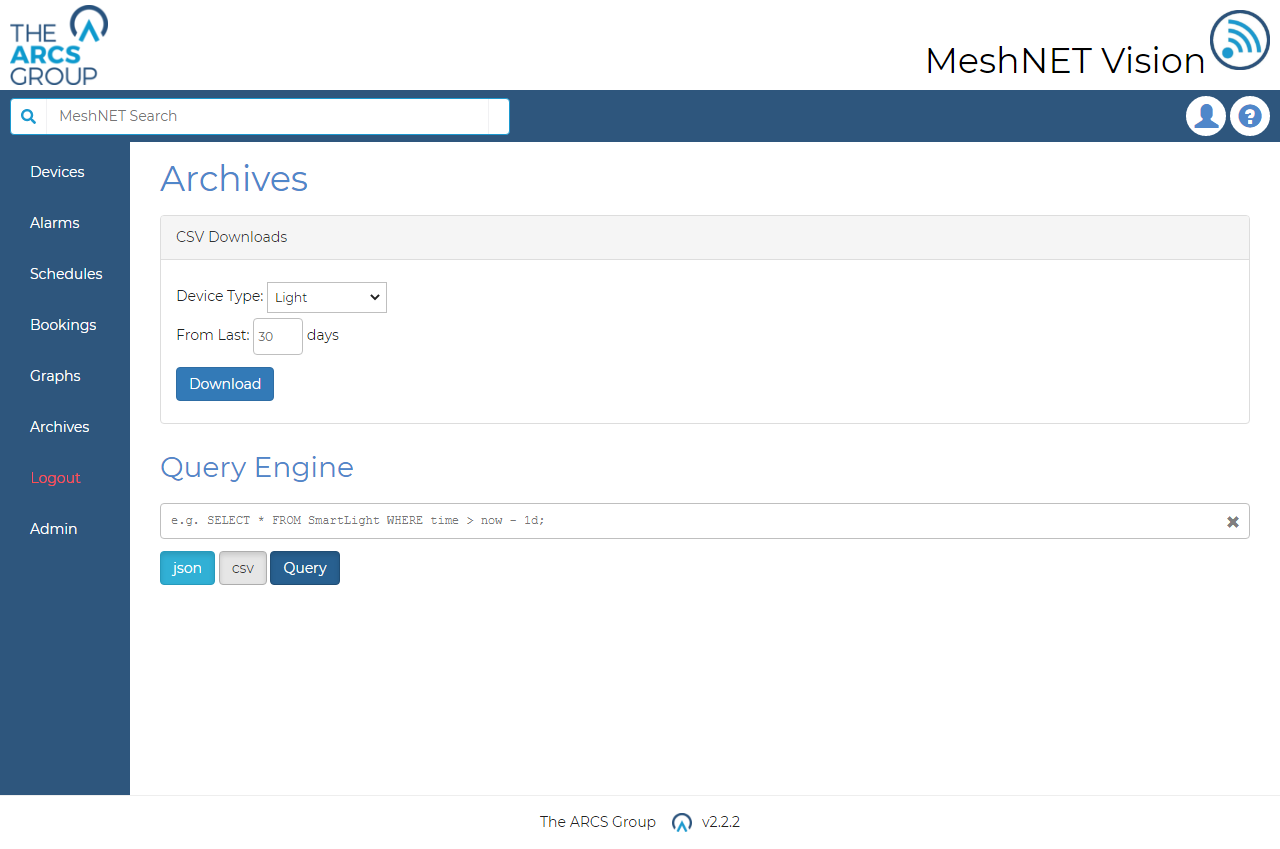
Archives provide another way for users to collect device data from the Influx DB database. Archives can be access via the "Archives" option in the navigation dropdown menu (see Figure 3). The archives page (see Figure 34) provides a form that users can use to download CSV formatted data from the database. The user must select the device type and specify a time period by inputting the last number of days for the query. Selecting "Download" will query the database with these parameters and commence a CSV download of the results for the user. The returned data will include all information collected for that device type over the specified time period.
Logs#
Logs can be downloaded from the archives page by clicking the specific log button. Logs include
- Alarm Log – Information about the state of alarms
- Warning Log – System and Alarm Warnings
- System Log – System events and information
- Error Log – Errors that have occurred with the system.